
Okay, quick confession: blockchain explorers can feel like airport control towers — a little noisy, very precise, and if you blink you miss something important. Really. For Solana users, knowing how to read a transaction and follow an NFT across wallets is not just useful—it’s necessary. My goal here is practical: show what details matter, where to look, and how to spot the red flags so you don't get burned or confused. This is aimed at everyday traders, devs checking program behavior, and collectors who want to stop guessing and start verifying.
First things first: an explorer shows the story of a transaction. It's the ledger's window. You’ll see who signed, which programs ran, how tokens moved, and whether any inner instructions failed. On Solana, that story is compact but dense. One transaction can include multiple token transfers, program calls, and logs. If you know where to look, you can reconstruct what happened in under a minute. If you don’t — well, you'll be squinting at cryptic IDs and guessing.
Here’s the practical map: signature → slot/time → status → instructions → accounts → balance changes → logs. Follow that order and you’ll be fine. Somethin' about seeing those pre/post balances makes everything click.
Reading a Solana Transaction: Field-by-field
Signature (the transaction ID): this is your primary lookup. Paste it into an explorer and start the trace. The signature proves the transaction exists on-chain; it's immutable. Check whether it’s confirmed and how many confirmations it has. Short answer: more confirmations gives more safety, though Solana finality is fast.
Status: success or error. If there’s an error, the logs will usually explain why. Medium-sized transactions with many instructions sometimes succeed on some inner calls and fail others — watch for "partial" effects in pre/post balances.
Instructions: here’s where the meat is. Each instruction shows which program was invoked (for example: System Program, Token Program, or a marketplace contract). Click into each to see accounts touched. A single transaction can invoke multiple programs in sequence — that’s how marketplaces escrow payments and transfer NFTs in one atomic step.
Accounts and pre/post balances: check who lost and who gained lamports or tokens. For SPL token transfers you’ll see the token mint and the associated token accounts (ATAs). If you expect an NFT to move but balances don’t change as expected, maybe the transfer used a delegated authority or a marketplace hook — dig into inner instructions.
Logs and compute units: logs can show program debug prints and, crucially, failure causes. Compute units tell you how much processing the transaction consumed. If you see consistently high compute for a program, that could hint at inefficiencies, or an intentionally complex operation. Developers monitor this; so should power users.
Tracking an NFT: Mint Address, Metadata, and Provenance
Every Solana NFT ties back to a mint address. That mint is the canonical handle for the token. Use it. Seriously. When collectors say “I bought that NFT,” they often mean “I bought a token from this mint.” To track ownership across wallets, search by the mint. That will show current holders, transfer history, and associated metadata accounts.
Metadata: most Solana NFTs follow the Metaplex metadata standard. The metadata account will include URI links to off-chain JSON, creator info, and a "verified" flag for creators. If the creator isn't verified, proceed cautiously. The metadata URI points to the image and traits; always check that URI yourself to confirm the asset matches what you're being shown on a marketplace.
Compressed NFTs and new standards: Solana has compressed-NFT schemes that store ownership differently (on-chain Merkle trees, for example). Those will reference different program IDs (like Bubblegum). If an NFT seems to have odd account structures, it might be compressed — meaning the tooling for tracking will look different. Keep that in mind when you can’t find expected accounts.
Provenance and history: follow the transfer chain. Each transfer includes the wallet that signed the transfer and the receiving account. If multiple marketplace transactions appear, check the program logs to confirm sale amounts and royalties. Royalties are enforced by some marketplaces; on-chain logs can confirm whether they were applied.
Practical Tips & Shortcuts
– Always verify the mint address when buying. Copy it from the marketplace listing and paste into the explorer search bar rather than trusting names.
– Look for the verified creator flag in metadata. It’s not a silver bullet, but it helps.
– Use "pre/post token balances" to ensure the NFT changed hands; sometimes listings and marketplace UI can lag or be misleading.
– If a transaction fails, read the logs. Errors like "custom program error" are common; the numeric error maps to program-defined causes.
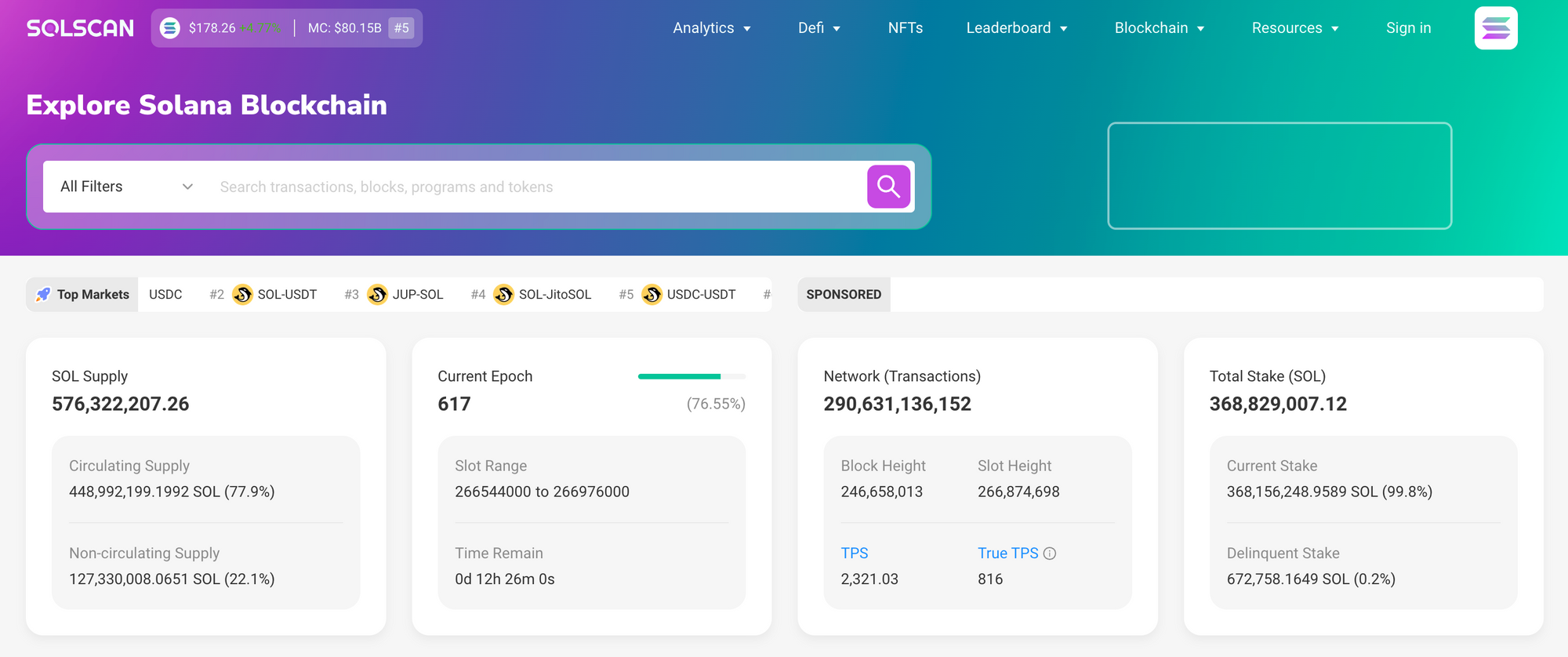
For a solid explorer that surfaces these details clearly, many users turn to the Solscan interface — you can check it out at solscan explorer official site which consolidates signatures, token views, and NFT metadata in one place. Use it to inspect transactions, dig into program logs, and follow mint histories. (Note: always double-check URLs and bookmarks — phishing clones exist.)
Oh, and by the way — if you're debugging a smart contract or watching a mint drop, open the inner instruction list. That's where marketplaces and escrow logic live. People often miss that and assume a single instruction did everything.
Common questions
How can I confirm a marketplace sale happened on-chain?
Find the sale transaction signature. Look at the instructions and logs for the marketplace program. Verify the token mint moved from seller to buyer and that SOL or USDC changed hands in the same atomic transaction. Pre/post balances will show the actual funds and token movement.
Why can’t I find metadata for some NFTs?
They may use compressed-NFT standards or have metadata hosted off-chain with different URIs. Also, new protocols sometimes place metadata under program-specific accounts. If the mint exists but metadata is missing, check program docs or community channels for the standard they used.
Is it safe to rely on the explorer’s “verified” labels?
Labels and verified flags are helpful but not infallible. They depend on metadata and program conventions. Always cross-reference creator social handles, official announcements, and the mint address to be sure. I’m biased toward double-checking everything; it’s saved me headaches.

הוספת תגובה
עליך להיות מחובר כדי להוסיף תגובה לעמוד